

Produkte können im Warenkorb/an der Kasse normal über Rechnung gekauft werden,
dazu ist kein PayPal Kauf notwendig.
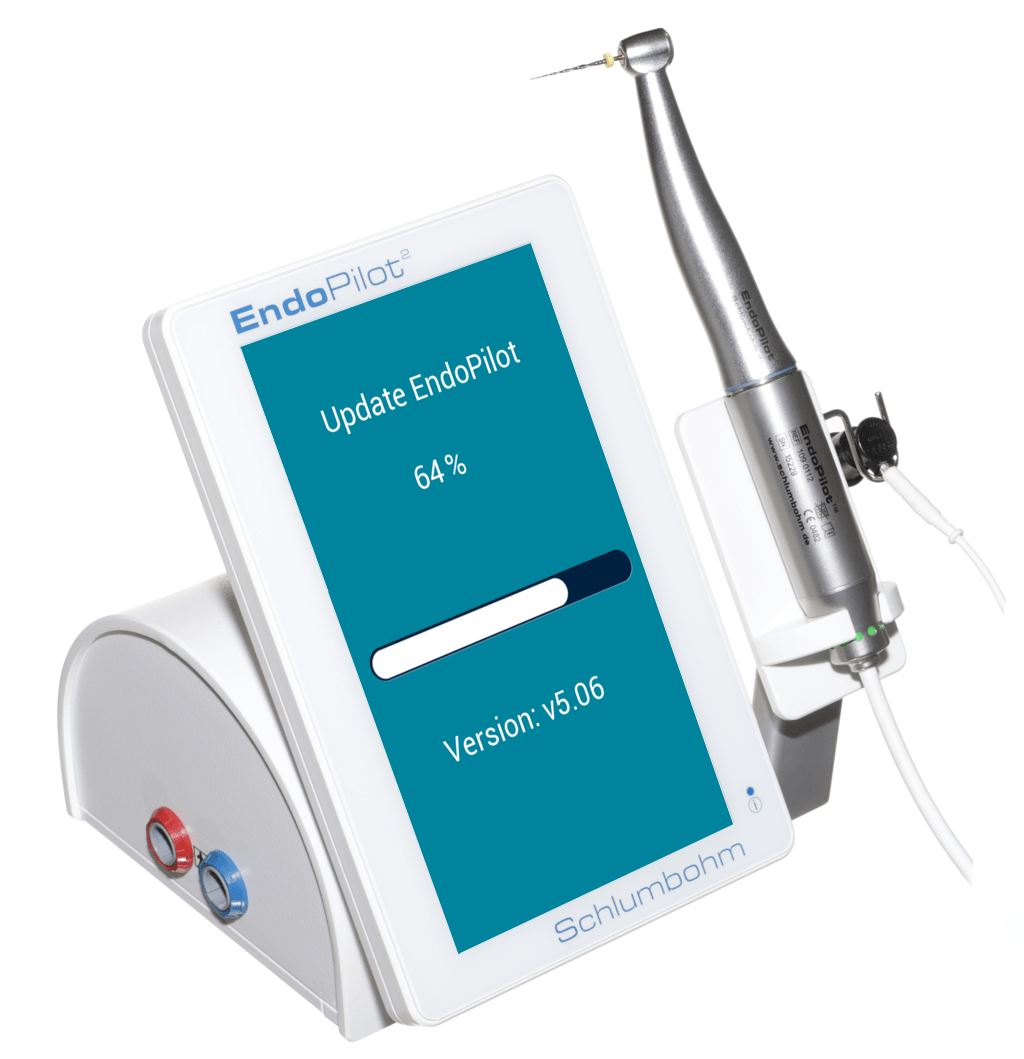
EndoPilot² Software Update 03-2026
Software update for the EndoPilot² version v5.06
Free Software Update Version v5.06 for the EndoPilot²
Due to new patents, technical innovations, and customer requests, new features are regularly developed and implemented in the EndoPilot². These innovations can easily be installed via update using a MicroSD card. Instructions on how to install the update can be found here. This ensures that your EndoPilot remains up to date even after purchase.
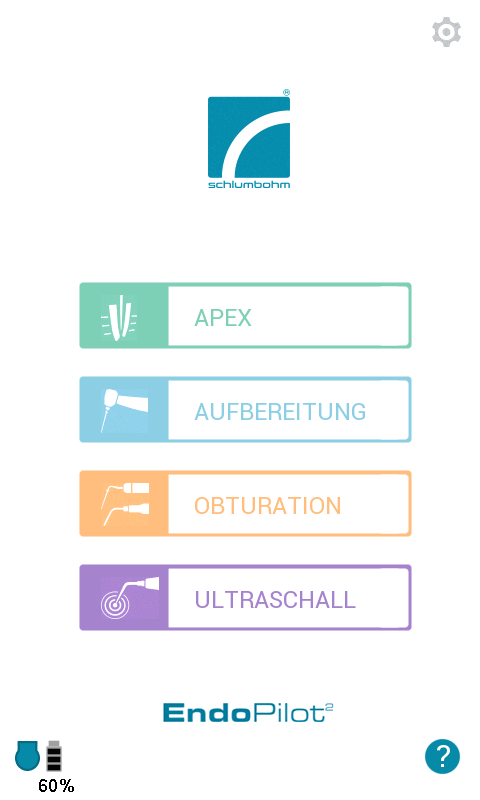
With the new update, your EndoPilot² receives a completely redesigned menu interface. Modern icons and an even clearer layout make operation during treatment easier.
Despite the new design, the familiar operating structure remains unchanged, allowing you to immediately find your way around your device.
The following new features are available on your EndoPilot² after the update:
General
- New, more modern menu design for easier operation during treatment workflows
- New question mark icon in the main menu for quick access to relevant FAQ pages via QR code
- Footswitch icon at the bottom of the screen displays the current status (not connected, connected, in operation)
Apex
- New shortcut button in the Apex menu enables faster switching to the preparation menu
- New Apex slowdown function automatically reduces speed and torque during full rotation shortly before reaching the reference line.
This increases safety and makes the approach to the apex more perceptible during preparation
Motor
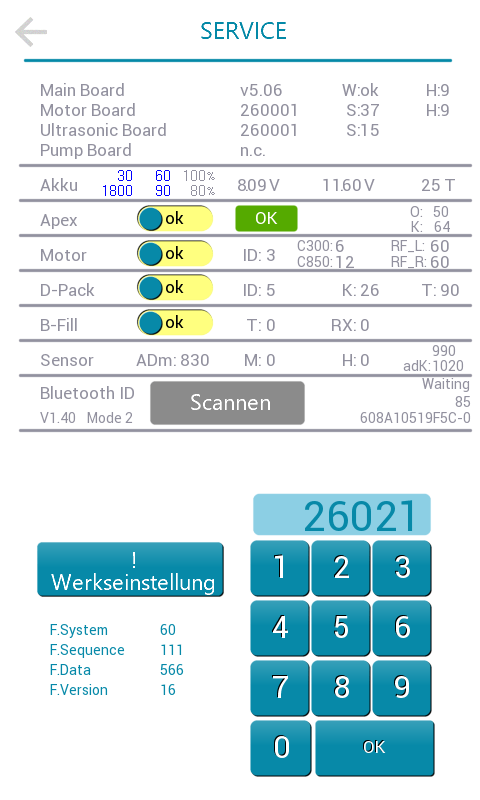
- New special function “Kickdown”: Additional feature activated in the service menu using the code “26021”. Two individually definable motion profiles can be controlled via the footswitch. With normal activation, the file runs in standard rotational motion, while fully pressing the switch (“kickdown”) switches, for example, to a reciprocating motion. Releasing the switch automatically returns the system to the standard motion. For this feature, we offer an exchange of your single footswitch for a new one with kickdown functionality.
- Requirement: Bluetooth version v1.40 or higher must be displayed in the service menu
- In the file sequence menu, you can now view how often each instrument has actually been used. This function can support file ordering and is activated in the service menu with the code “26011”
Obturation
- New shortcut button in the obturation menu enables faster switching to the ultrasound menu
Ultrasound
- Preferred ultrasound instruments can be selected from the library and arranged into an individual sequence, which is then available as a quick selection in the ultrasound menu
- Power and pump settings remain saved in the ultrasound menu, even when changing instruments
- New shortcut button in the ultrasound menu enables faster switching to the obturation menu
Pump
- InitFlush function (new): The pump delivers a short flush to provide a small amount of liquid, for example to specifically fill the root canal
- If the kickdown function is active (if available, see point 1 in the “Motor” section), the pump can be started directly by fully pressing the footswitch
New File Systems
- The EDMax and GenENDO file systems have been integrated, expanding your system selection
Instructions on how to install the update can be found on our website. If you have any questions, you can contact our service team (without waiting queue or AI voice) by phone at +49 4324 8929-0.
Help us spread the word about the new update:
Share a photo of your device on Instagram (post or story) using the hashtag #EndoPilotUpdate and tag us. As a thank you, we will send you a 10% voucher for our online shop.
We hope you enjoy the new features and wish you continued success in your work with your EndoPilot².
If you have any questions, our team is always happy to assist you.